Why Video Interviews Need Separate Preparation
Video interviews carry the same substance as in-person interviews but add a layer of technical and environmental variables that can distract from a strong answer if left unchecked. A dropped call, poor lighting or a noisy background can overshadow good content, while a smooth, well-prepared setup lets the actual answers do the work. Preparing specifically for the video format, not just the interview questions, meaningfully improves how a candidate comes across.
Technical Setup Checklist
Equipment and Connectivity
- Test the internet connection in advance, ideally with a wired connection or strong, stable Wi-Fi rather than mobile data.
- Use a laptop or desktop rather than a phone wherever possible, for a steadier camera angle and easier screen-sharing if required.
- Keep a backup option ready, such as a phone hotspot, in case the primary connection fails.
- Charge the device fully or keep it plugged in, since a low battery warning mid-interview is avoidable.
Platform Familiarity
- Confirm which platform will be used (Zoom, Google Meet, Microsoft Teams, or a proprietary tool) and install or update it in advance.
- Join a test call, even a solo one, to check that camera, microphone and speaker settings work correctly.
- Know how to mute, unmute, and share a screen quickly, in case the interviewer asks for a walkthrough of work or a document.
Camera and Audio
- Position the camera at eye level, using a stack of books or a stand if needed, rather than looking down into a laptop camera.
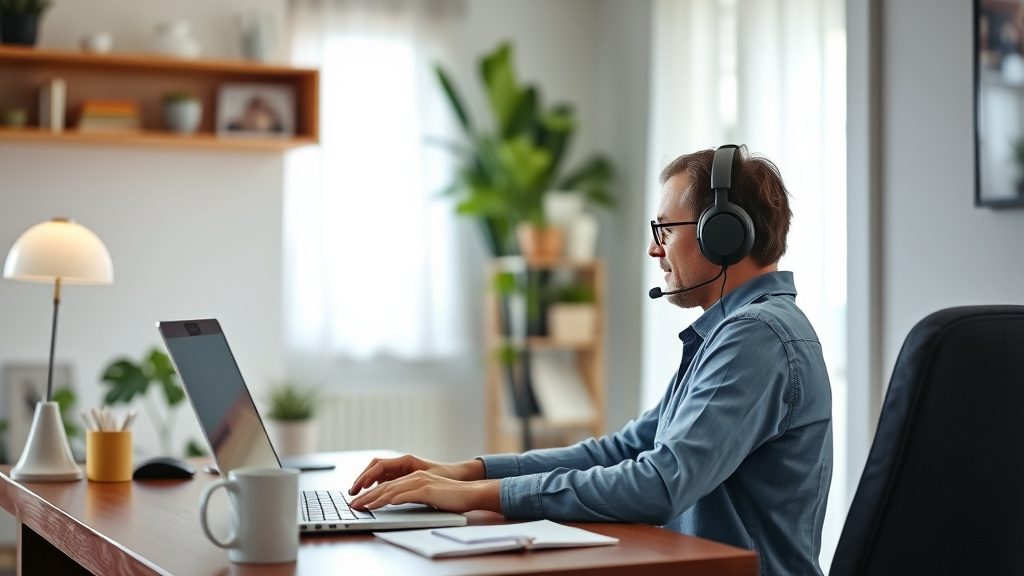
- Use headphones with a built-in microphone where possible, since this usually improves audio clarity over a laptop’s built-in microphone.
- Test lighting beforehand — natural light facing the candidate works well; avoid strong light or a window directly behind, which darkens the face.
Preparing the Environment
- Choose a quiet, private space and inform others at home about the interview time to reduce interruptions.
- Keep the background simple and tidy — a plain wall or an uncluttered room works better than a busy or dim background.
- Silence phone notifications and close unnecessary browser tabs and applications before starting.
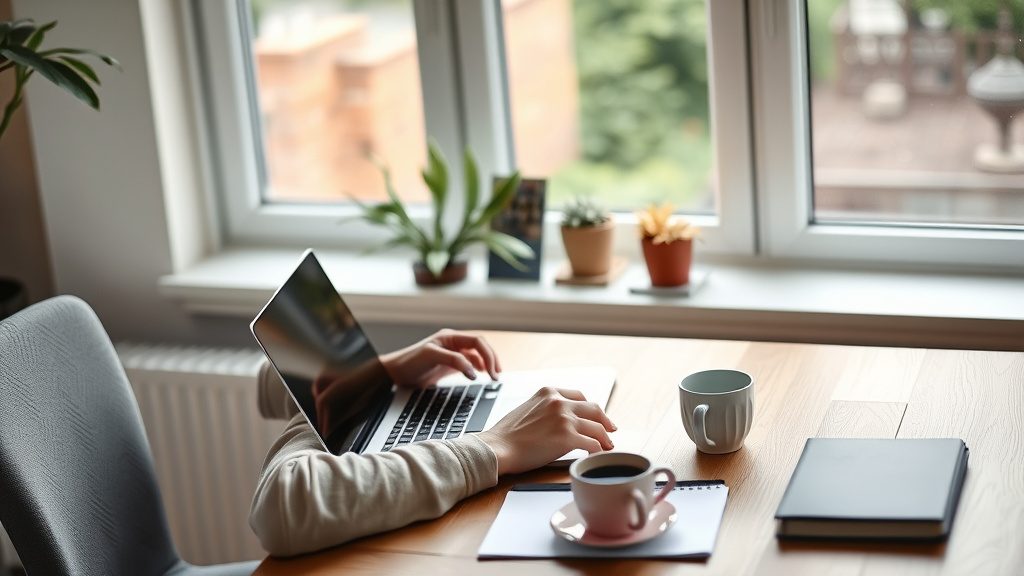
- Keep a glass of water nearby, along with a notepad and pen for jotting quick notes.
Body Language and Presence on Camera
Video calls compress a lot of normal non-verbal communication, so small adjustments help:
- Look at the camera lens, not the screen, when speaking, to simulate eye contact.
- Sit upright with a slight lean forward, which reads as engaged rather than passive.
- Keep hand gestures visible but not excessive, and avoid fidgeting with objects near the microphone.
- Smile and nod naturally while the interviewer is speaking, since video can flatten normal reactive expressions if a candidate stays too still.
What to Keep Ready Nearby
A simple pre-interview checklist:
- Resume copy (on screen or printed) for quick reference
- Job description reprinted or open in another tab
- 2-3 prepared questions to ask the interviewer
- Notepad and pen
- Water
- Portfolio or project links open in a browser tab, if relevant
Handling Technical Glitches Gracefully
If the connection drops or audio cuts out, it helps to stay calm and address it directly rather than pretending nothing happened — for example, saying “I think the connection dropped for a moment, could you repeat the last part?” is a normal, professional response. Interviewers generally understand that technical issues happen and judge the candidate’s composure in handling them, not the glitch itself.
Etiquette Specific to Video Interviews
- Log in a few minutes early to account for any last-minute technical checks.
- Dress the same way as for an in-person interview, at least from the waist up, and ideally in full in case standing is needed.
- Avoid multitasking, checking messages, or glancing at other screens during the call, since this is often noticeable to the interviewer.
- If joining from a shared or public space, use headphones and check background noise beforehand.
After the Interview
Sending a brief thank-you email within a day of the interview remains good practice for video interviews just as it is for in-person ones. It can reference a specific point discussed during the call, which also demonstrates attentiveness.
Frequently Asked Questions
Is it acceptable to use notes during a video interview? Brief notes for reference, such as questions to ask or key points about the role, are generally fine. Reading full answers from a script is usually noticeable and can come across as rehearsed or disengaged.
What should be done if a pet, family member or delivery interrupts the call? A brief, polite acknowledgment and a quick resolution is the best approach — most interviewers understand occasional interruptions, especially in a home environment, and judge the recovery rather than the interruption itself.
Should the camera stay on for the entire interview? Yes, unless the interviewer specifically requests otherwise. Keeping the camera on throughout signals engagement and is the standard expectation for most video interview formats.