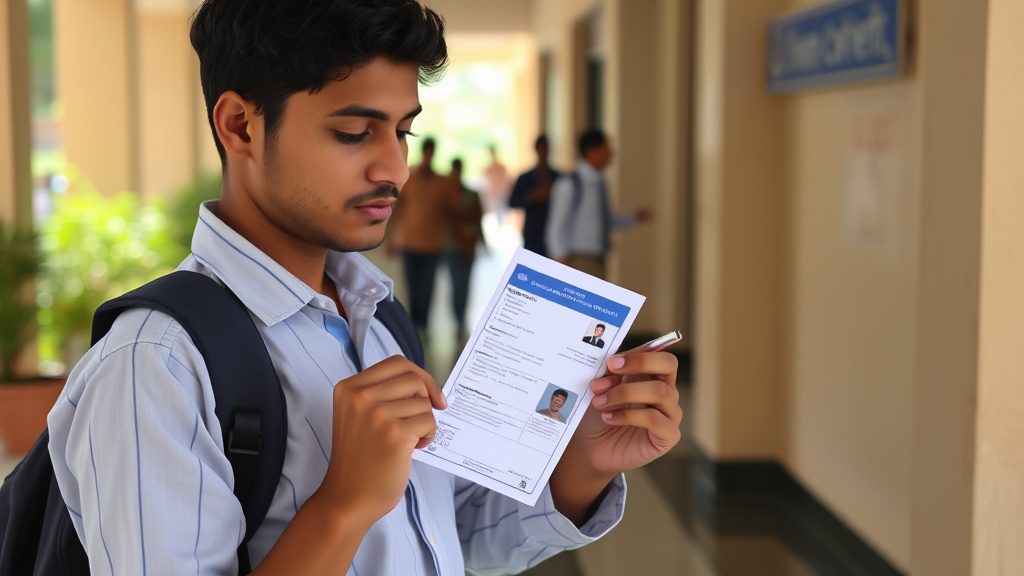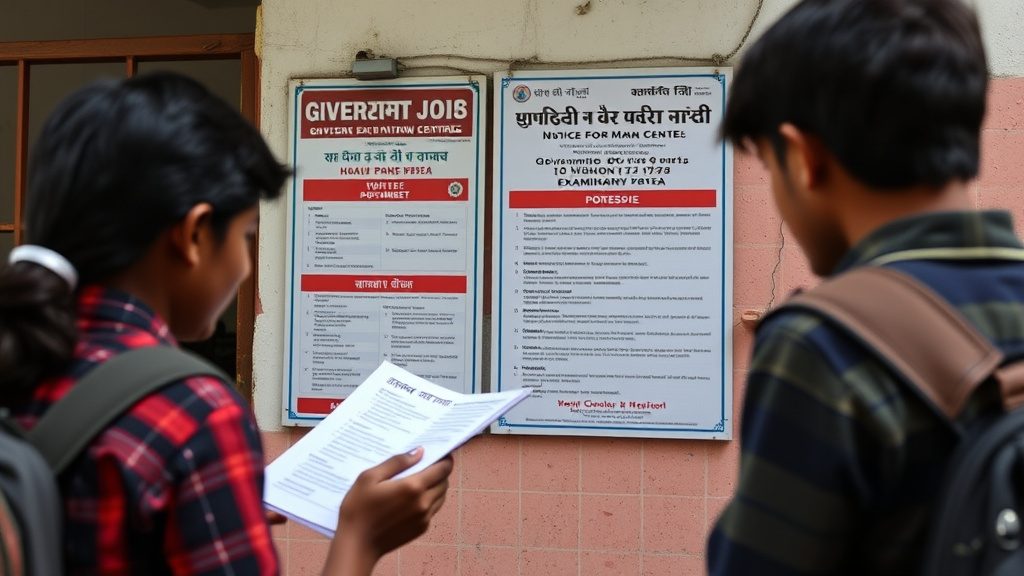
Why the Source of Your Result Matters
Every result season, alongside official announcements, a wave of unofficial websites, forwarded messages and lookalike apps appear promising early or “leaked” results. Relying on the wrong source can mean anything from an inaccurate score to exposing personal information to a fraudulent website. The safest approach is always to check results directly on the official website of the conducting body — the CBSE, a state board, NTA, UPSC, SSC or the relevant university — and nowhere else.
Where to Check Common Results
- CBSE board results: cbse.gov.in and the CBSE results portal linked from it.
- State board results: each state’s board website (for example, respective state board education portals); results are not hosted on CBSE’s site.
- NEET UG, JEE Main, CUET UG and other NTA-conducted exams: nta.ac.in and the exam-specific website linked from the NTA portal.
- MCC counselling-related results and seat allotment: mcc.nic.in.
- JoSAA seat allotment: josaa.nic.in.
- UPSC exam results: upsc.gov.in.
- SSC exam results: ssc.gov.in and the relevant regional SSC website.
Bookmarking the correct official domain in advance, rather than searching for it during a high-traffic result day, reduces the risk of landing on a fake or copycat site.
Step-by-Step: Checking and Downloading a Result
On the Official Website
- Navigate directly to the official website’s results or scorecard section, ideally by typing the known official URL rather than clicking a link from a forwarded message or social media post.
- Locate the specific result link for your exam and year — many official sites host results for multiple exams and cycles, so confirm you are on the correct page.
- Enter the required credentials, typically your roll number, registration number, date of birth and/or application number, exactly as they appear on your admit card.
- Submit the form and wait for the page to load fully, especially during peak traffic when official servers can be slow; avoid refreshing repeatedly, which can sometimes reset a session.
- Once the result or scorecard appears, download or save it as a PDF, and take a screenshot as a backup in case the download link expires.
- Print at least one physical copy for records, since some counselling and verification processes require a printed scorecard.
Using DigiLocker
Many national exams and boards, including CBSE, now issue digital mark sheets and certificates through DigiLocker, India’s official digital document wallet.
- Create or log in to a DigiLocker account using a mobile number linked to Aadhaar, or through the specific credentials the exam body provides.
- Search for the issuing organisation (for example, the relevant board or NTA) within DigiLocker’s “Issued Documents” section.
- Retrieve the mark sheet, certificate or scorecard, which is digitally signed and considered a valid, verifiable copy for most official purposes.
- Save a local copy and, where the platform allows, generate a shareable link for submitting to institutions that accept DigiLocker verification directly.
DigiLocker documents carry legal validity equivalent to physical originals under Indian IT rules, which makes them useful during admissions and verification when a physical certificate has not yet been issued or is not on hand.
Downloading and Cross-Checking Answer Keys
Many exam bodies release a provisional answer key before the final result, along with a window to raise objections/challenges against specific questions, often for a small per-question fee that is refunded if the challenge is upheld.
- Download the provisional answer key only from the official exam website, matched to your specific exam, shift and set/series code, since answer keys vary by question set.
- Cross-check your recorded responses (available via a separate “response sheet” or “OMR sheet” download, where provided) against the answer key to estimate your likely score before the official result.
- If raising an objection, follow the specified format and provide supporting justification where required, within the stated deadline — late submissions are typically not entertained.
- Treat any pre-result score estimates from answer keys as indicative only; the final result reflects the answer key after all valid objections are resolved, which can shift marks slightly from initial personal calculations.
Common Mistakes to Avoid
- Trusting unofficial “early result” links or messages: Genuine results are announced on official websites at the declared time; there is no early or backdoor access.
- Entering personal or payment details on unfamiliar websites: Legitimate result checks require only exam credentials such as roll number and date of birth — never banking details or OTPs shared with a third party.
- Losing the admit card before checking the result: Many result portals require exact details as printed on the admit card; keep both digital and physical copies safe until well after counselling concludes.
- Not saving a downloaded copy immediately: Result portals can experience heavy traffic and occasional downtime after major announcements; download and save your scorecard as soon as it is accessible rather than checking back later.
- Assuming a single “final” mark sheet exists: Provisional results, answer keys, and final results can differ slightly after objections are resolved, so always refer to the final scorecard used for admission or selection purposes.
Frequently Asked Questions
Is a DigiLocker copy of a mark sheet as valid as the physical certificate? Yes, documents issued through DigiLocker are digitally signed by the issuing authority and are treated as legally valid under Indian IT rules, and are widely accepted for admissions and verification purposes.
What should a candidate do if the official result website is not loading on result day? Keep retrying at reasonable intervals without repeatedly refreshing aggressively, avoid switching to unofficial mirror sites, and check the exam body’s official social media handles for any announcement about server load or alternate access instructions.
Can raising an objection against the provisional answer key change a candidate’s final score? Yes, if an objection is found valid after review by the exam body, the answer key is corrected accordingly and final scores are recalculated for all candidates based on the revised key, which can change results compared to the provisional stage.